
How pages and profiles are counted
Connections are per account, not per channel.
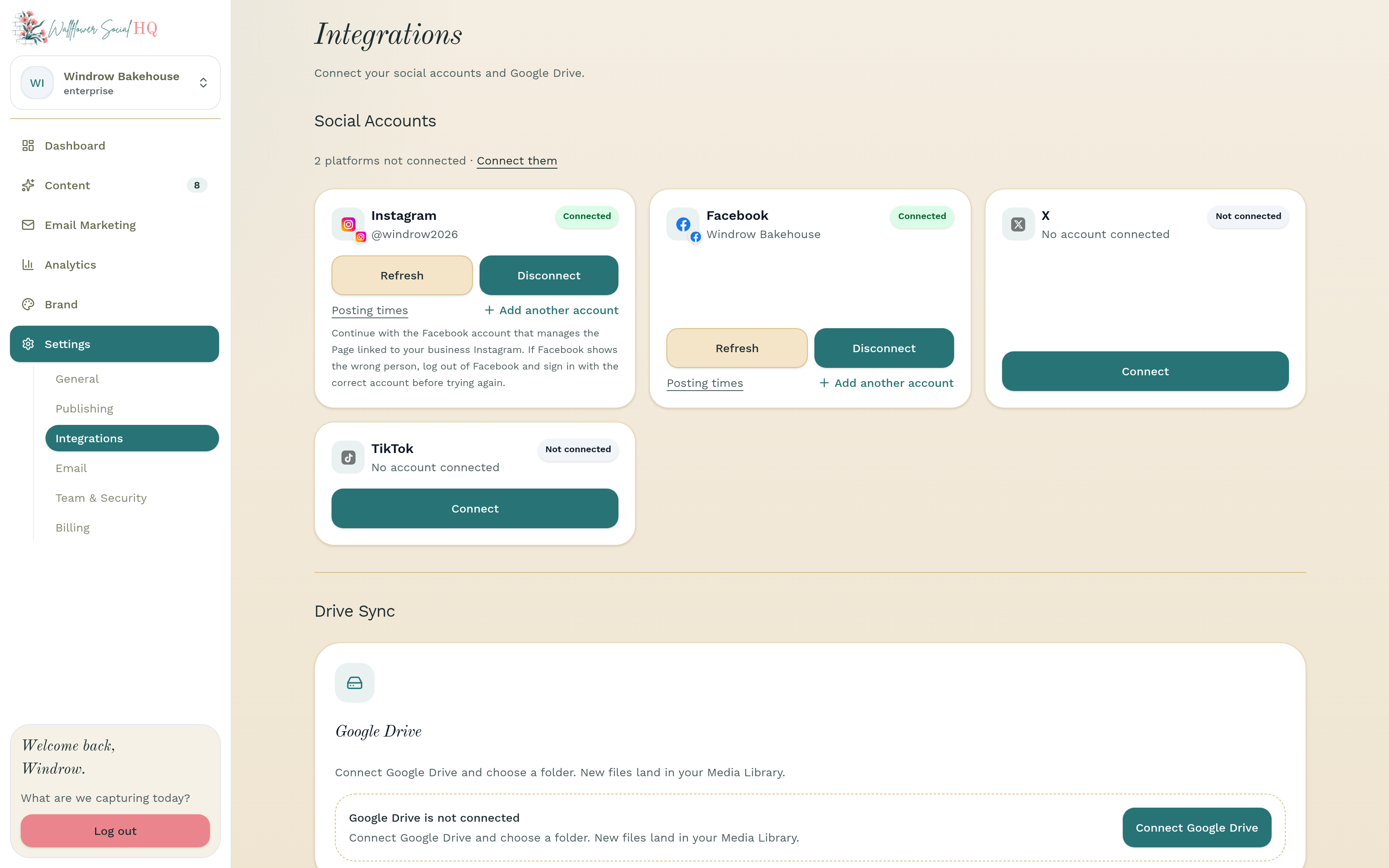
Your plan includes a number of pages or profiles. Each connected account counts as one, not each platform.
Before you start
- Nothing to set up. This article explains how the count works.
What counts #
Every connected account is one connection. For example:
- One Facebook Page and one Instagram profile use 2.
- Two Instagram profiles use 2.
- A couple of Facebook Pages use one each.
Limits by plan #
Plan Pages or profiles Platforms Solo 4 Facebook and Instagram Pro 8 Facebook, Instagram, TikTok and X Enterprise 8 per workspace Facebook, Instagram, TikTok and X Enterprise includes 3 workspaces, and each one has its own 8.
At your limit #
If you try to connect one more, you'll see "You've reached your plan's account limit." Click Upgrade plan to see your options, or disconnect an account you no longer use.
On Solo, clicking TikTok or X shows the same account limit message, even if you have room left. That's because TikTok and X are only on Pro and Enterprise. Disconnecting other accounts won't help. Upgrade to Pro instead. See Change your plan.
NoteIf you move to a smaller plan, you choose which connected accounts to keep. See Change your plan.
Still stuck?
If you need more personalized support, send us an email and we will get back to you soon.