
Build a campaign from library posts
Turn posts you already have into an email.
Your social posts already show what's happening this week. Reuse them in an email, so you're not starting from a blank page.
On this page
Before you start
- You have posts in your library, with photos.
- To send, you need a verified sending domain, your brand name and logo, and a mailing address. See Send from your own domain.
- Use a computer. On small screens you'll see "Build on a bigger screen."
Start a campaign #
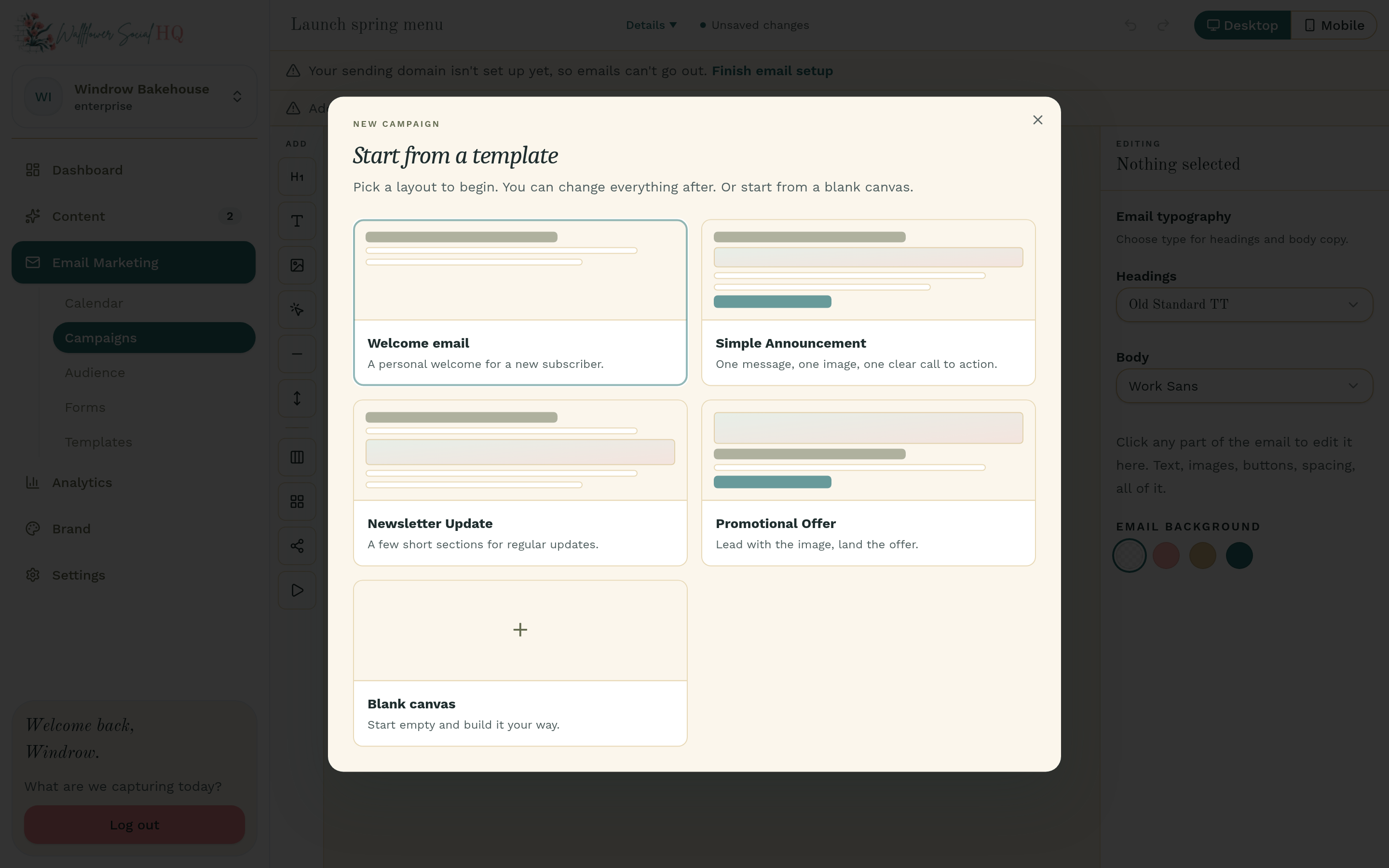
Go to Email Marketing, then Campaigns, and click New Campaign. Under Start from a template, pick a layout, or choose Blank canvas.
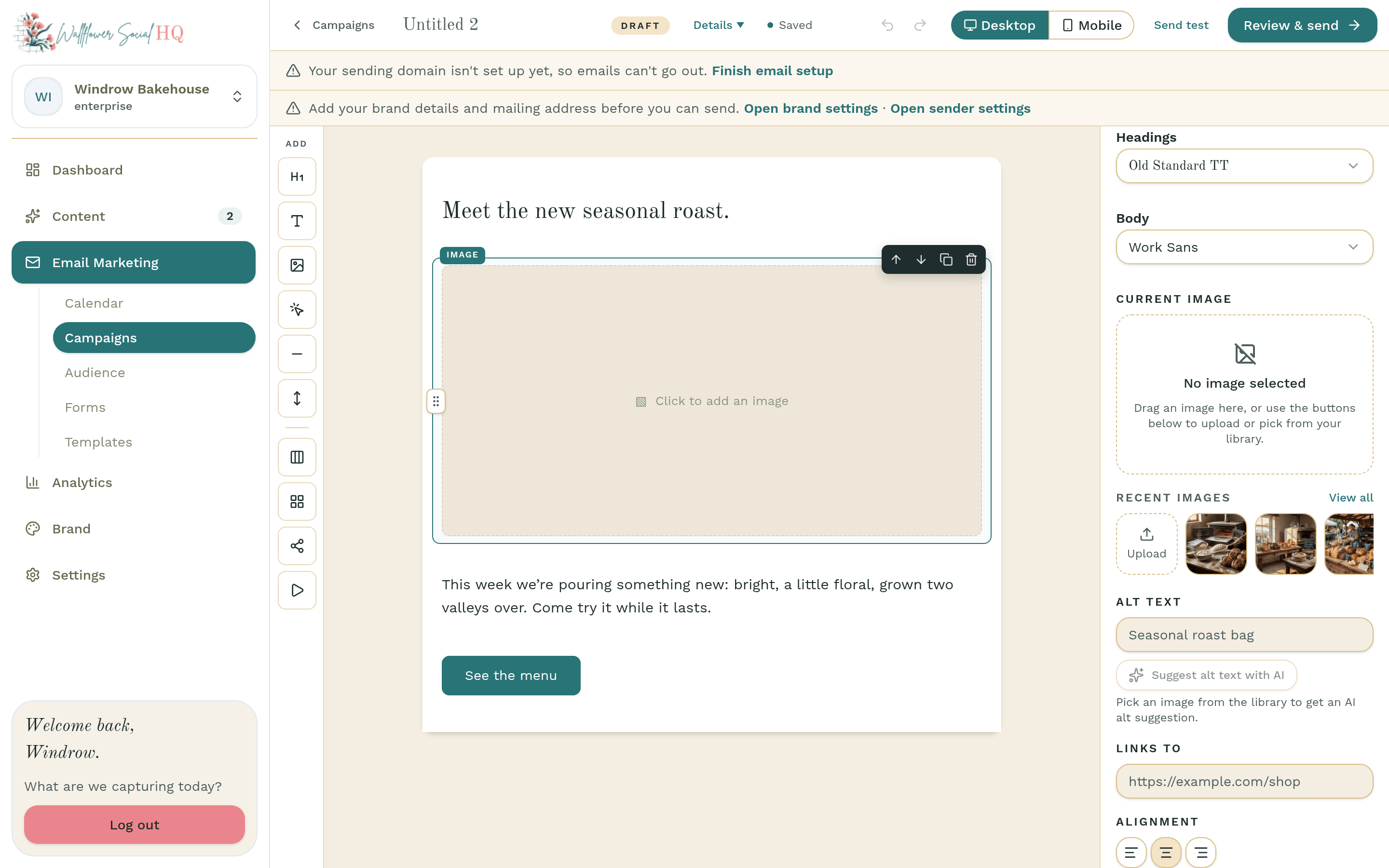
Add an image block #
Click an Image block in your email. Or drag Image in from the Add rail on the left. Under Image source, click Select from library.
Pick from your library #
In Select media, pick the photo from your post and click Attach selected. Or click one of your Recent images. This adds the photo only. You'll add the words in the next step.
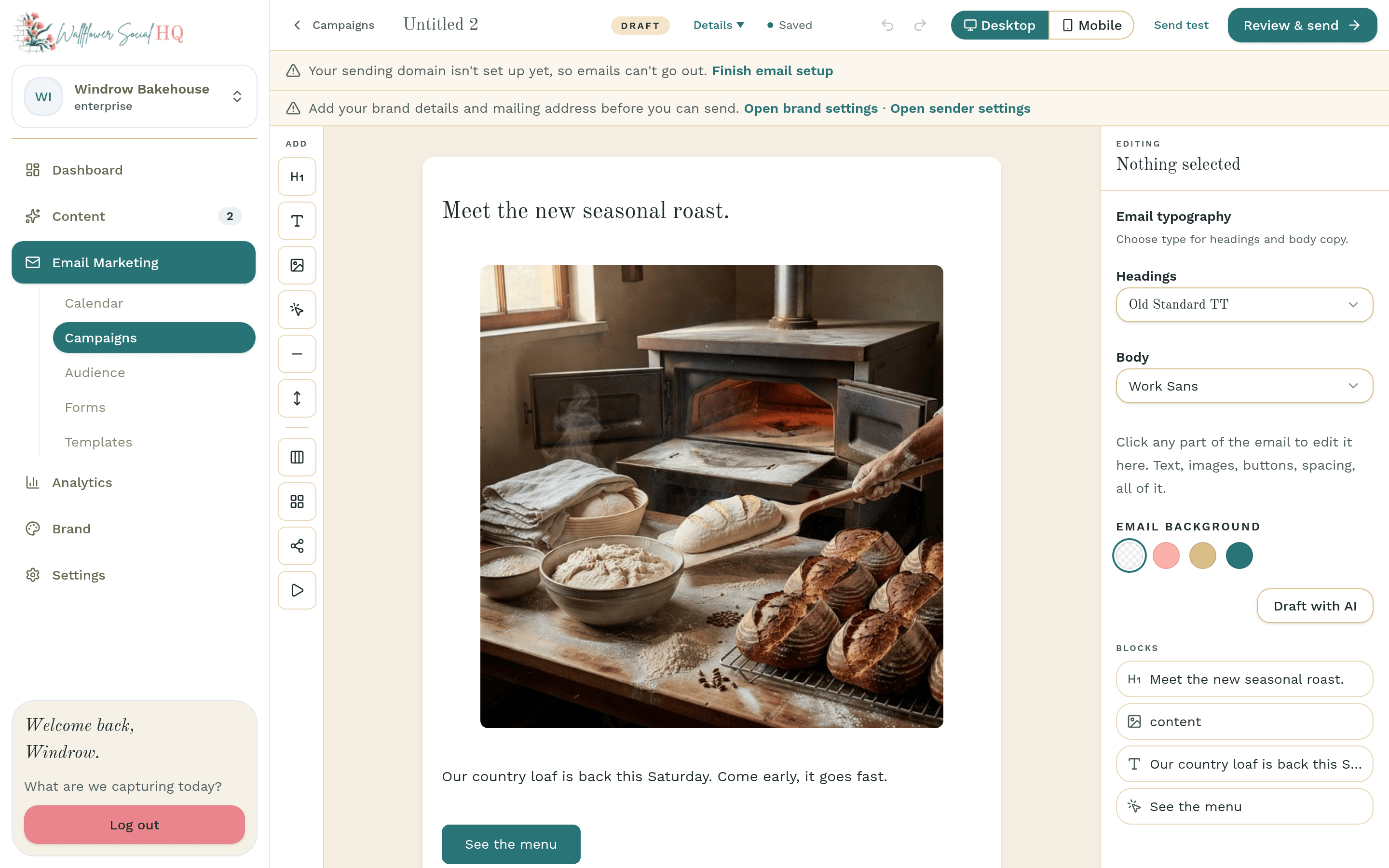
TipAdd Alt text so everyone knows what the photo shows, and a Links to address so readers can click it.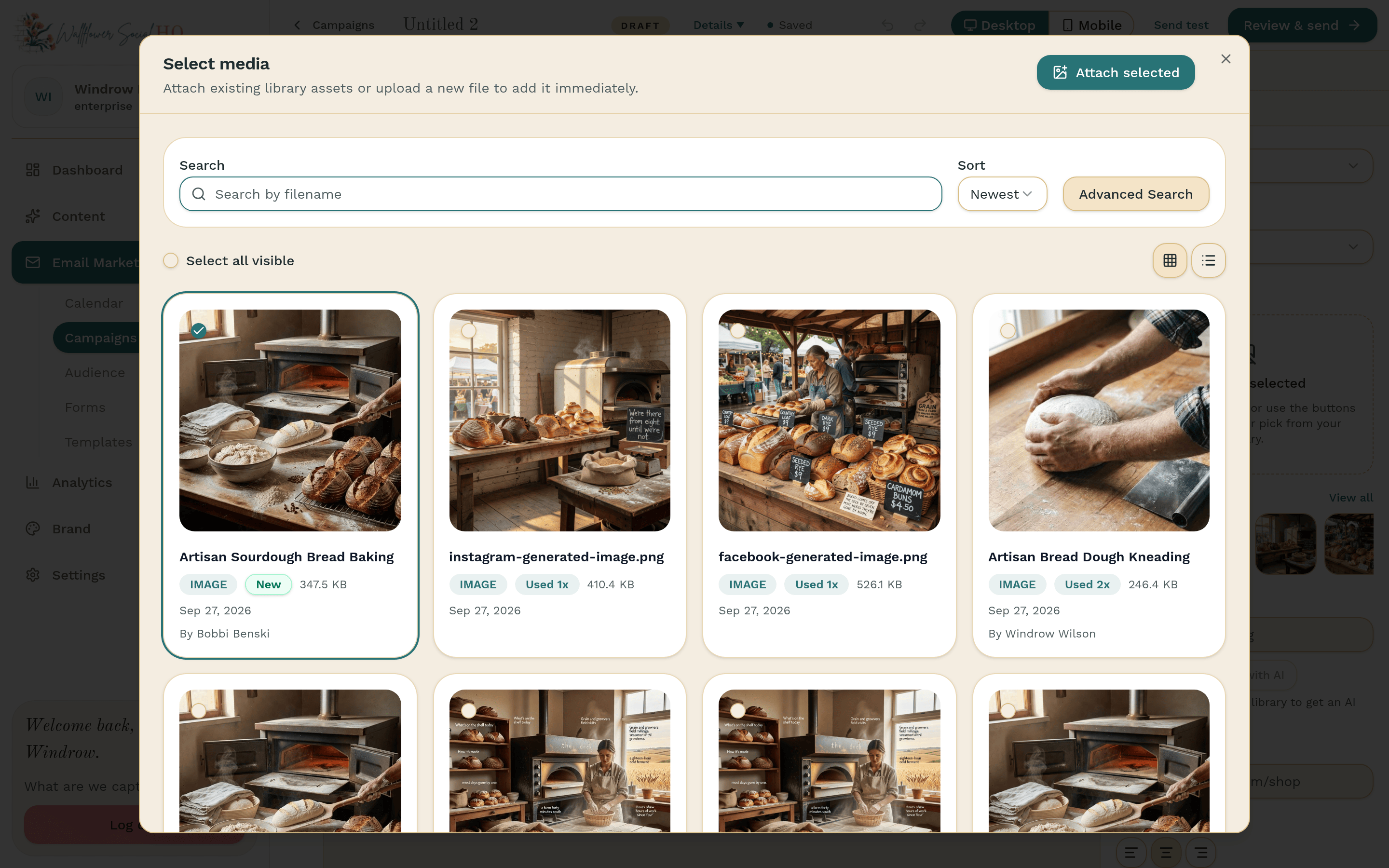
Add the words #
Add a Text block under the photo. Write a line or two about it, or paste the caption from your post and shorten it for email.
Fill in the details #
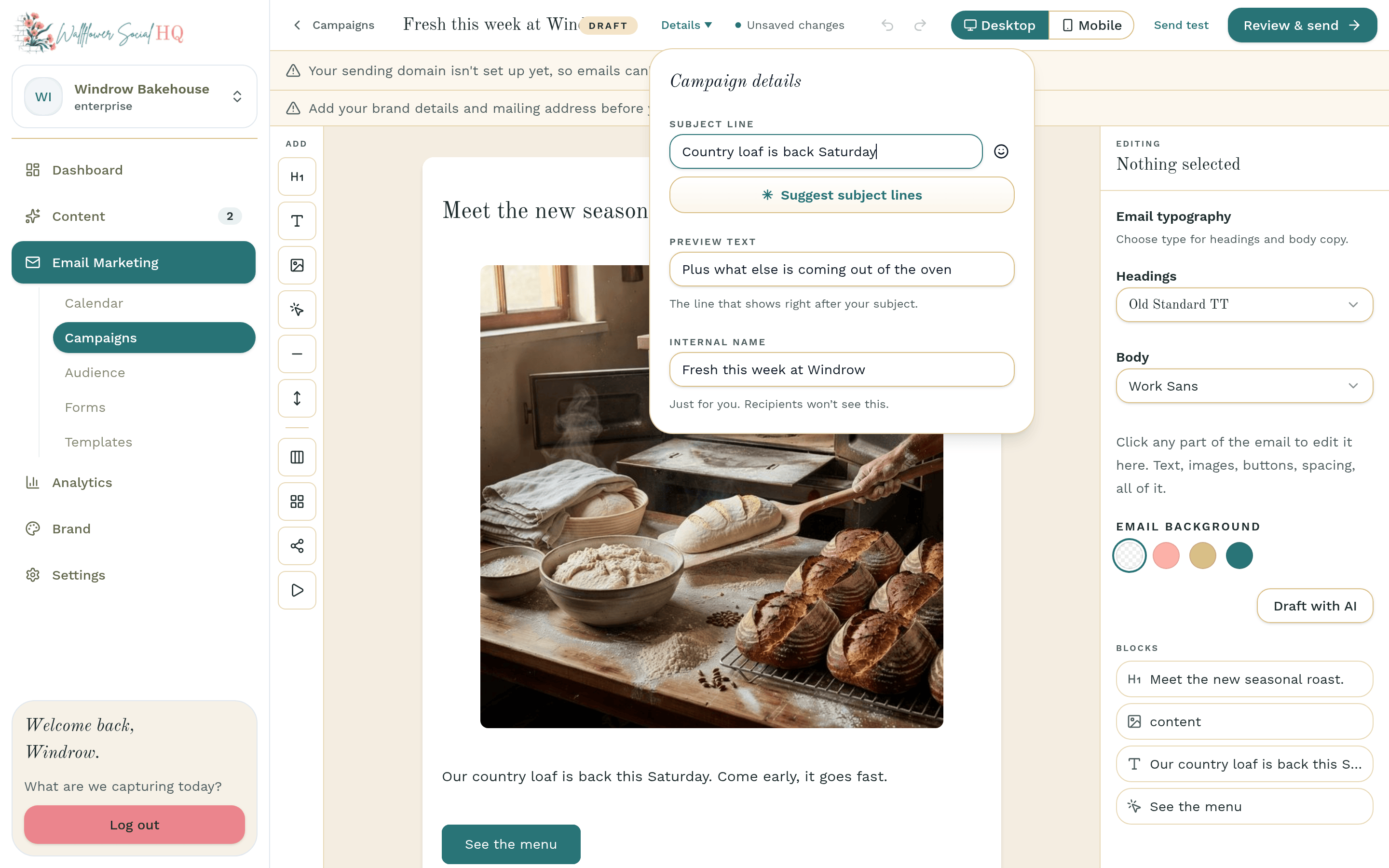
Open Details. Add a Campaign name (only you see it), a Subject line and Preview text. Stuck on a subject? Click Suggest subject lines.
Send yourself a test #
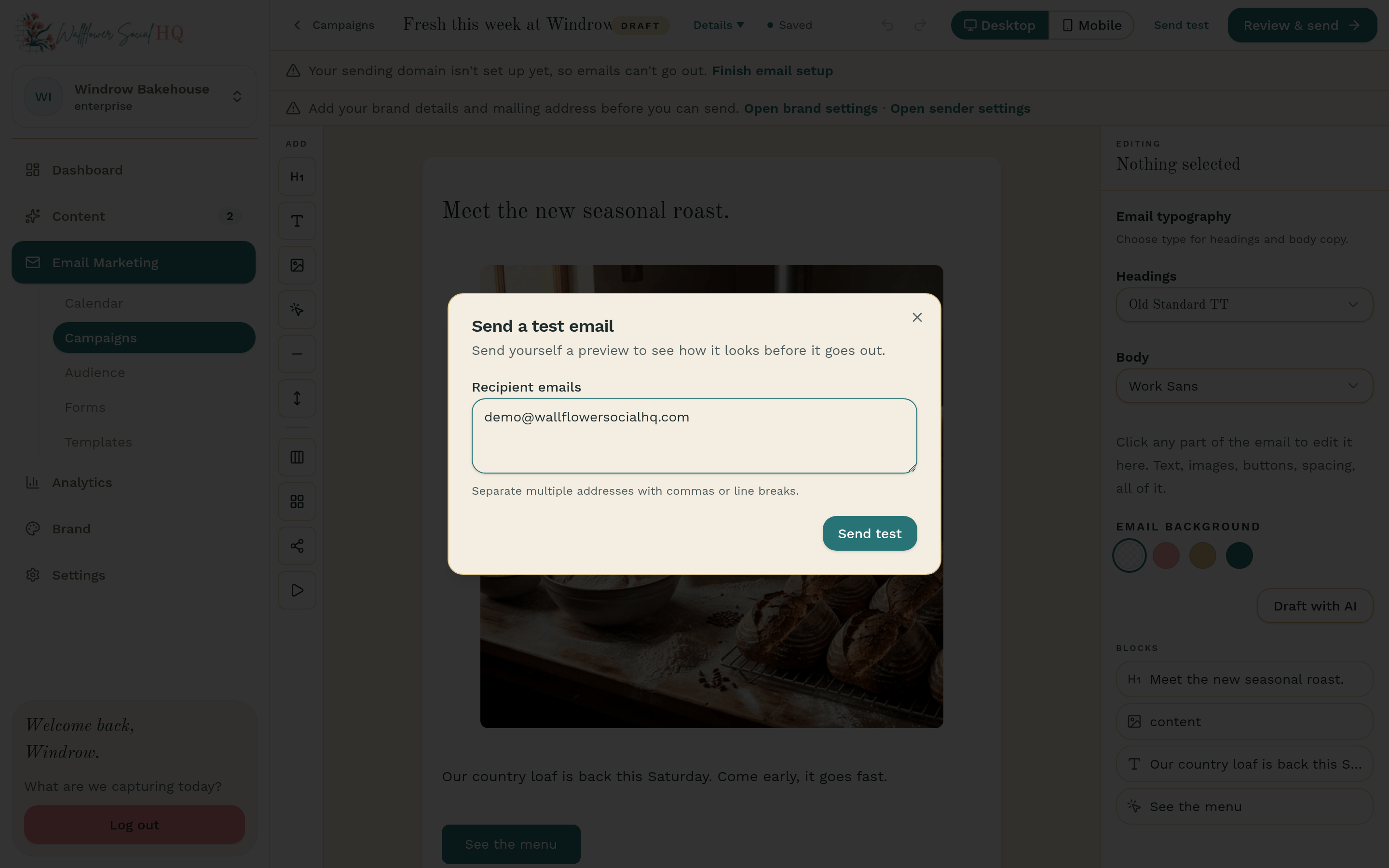
Click Send test, add up to 5 addresses, and click Send test. Check it on your phone too.
Send or schedule #
Editors can stop here: an owner or admin sends it. Click Review & send. Under Before you can send, fix anything that isn't done yet. Choose All subscribers or a tag, then Send now or Schedule. Click Send campaign or Schedule campaign.
Check before you sendOnce an email is sent, it can't be unsent. Check the audience and time first.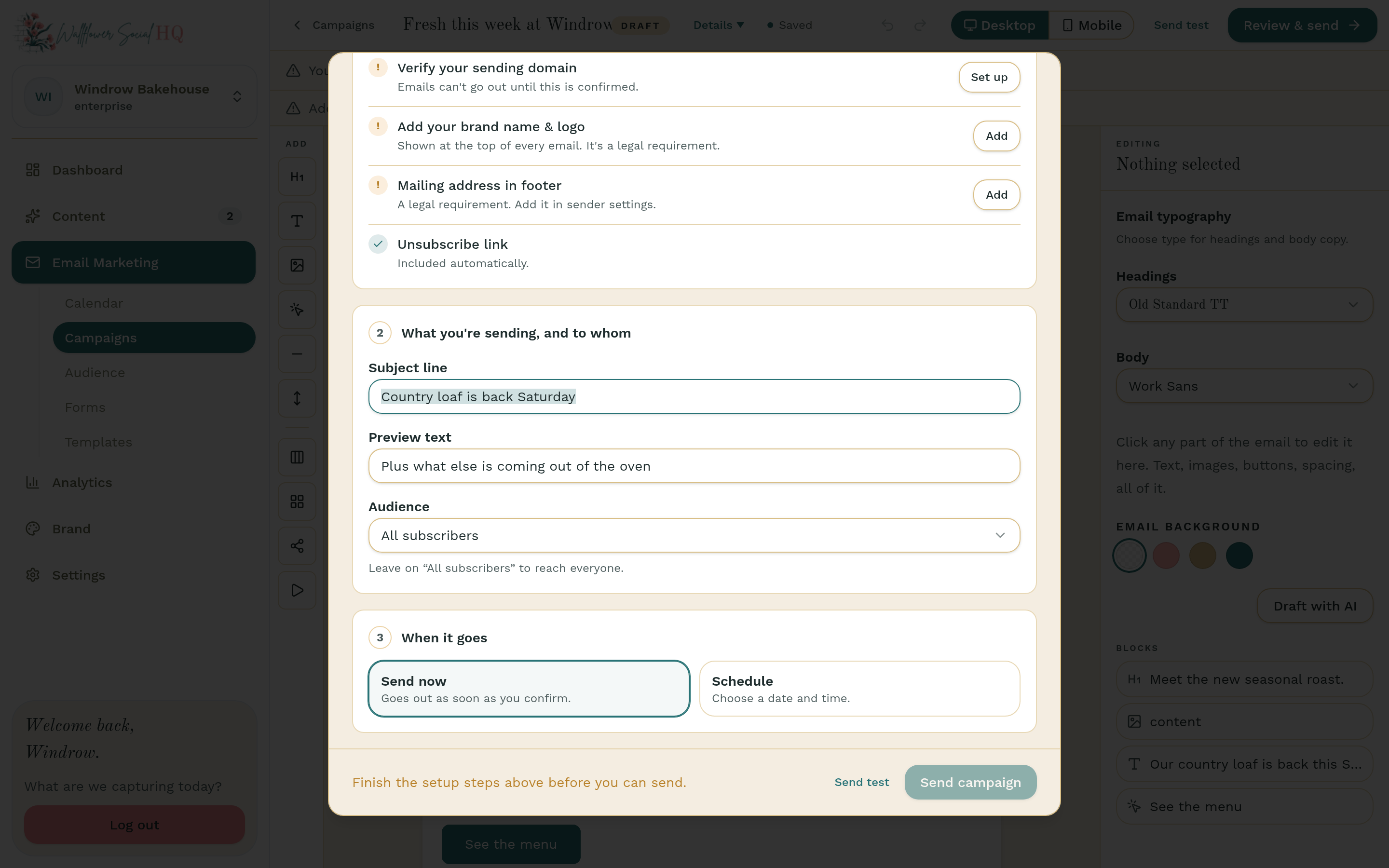 TipWant a head start? On your email calendar (Email Marketing, then Calendar), suggested emails marked "From … social posts" are built from your planned posts. Click Accept all to add them as draft campaigns.
More in Email marketing
Still stuck?
If you need more personalized support, send us an email and we will get back to you soon.