
Start from your email calendar
Where email campaigns begin.
Your email calendar sits next to your social plan. It's where you see what's going out, and where new emails start.
Open Email Marketing in Wallflower
On this page
Before you start
- You're an Owner, Admin, or Editor. Editors draft emails. Owners and admins approve and send them.
- You have some posts planned on your social calendar. The email calendar uses them for ideas.
Open the email calendar #
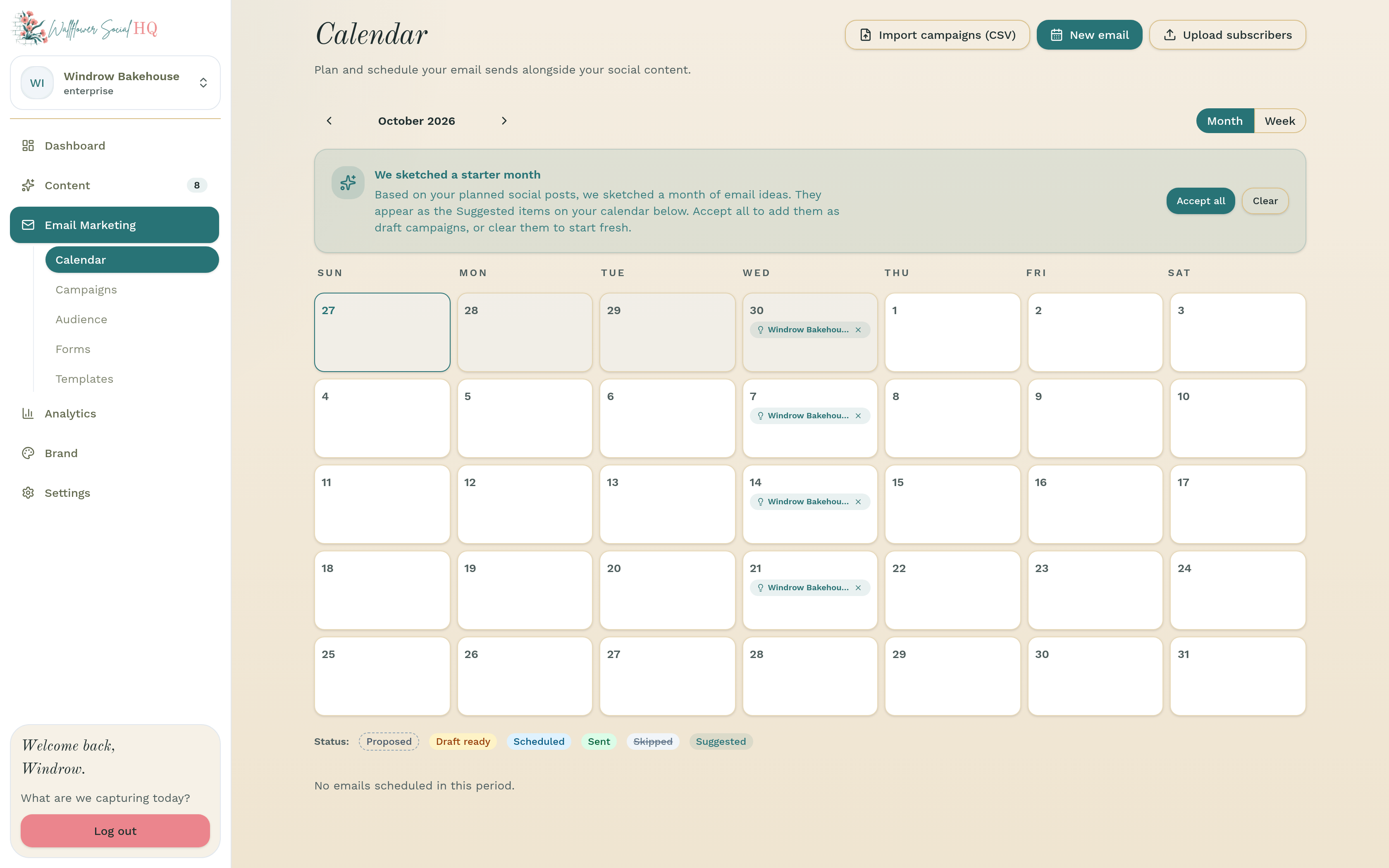
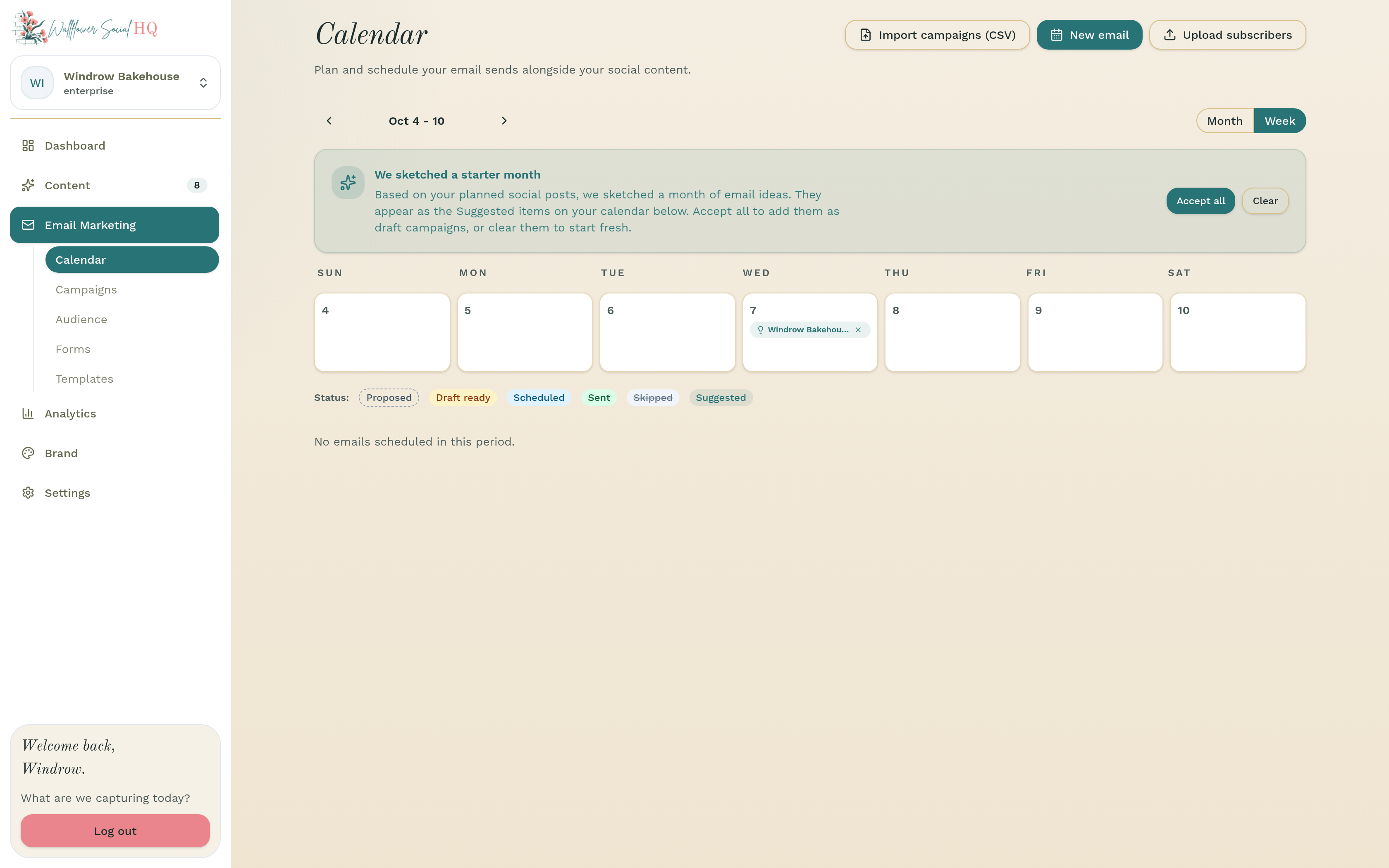
In the sidebar, open Email Marketing, then Calendar. Switch between Month and Week at the top.
Look at your starter month #
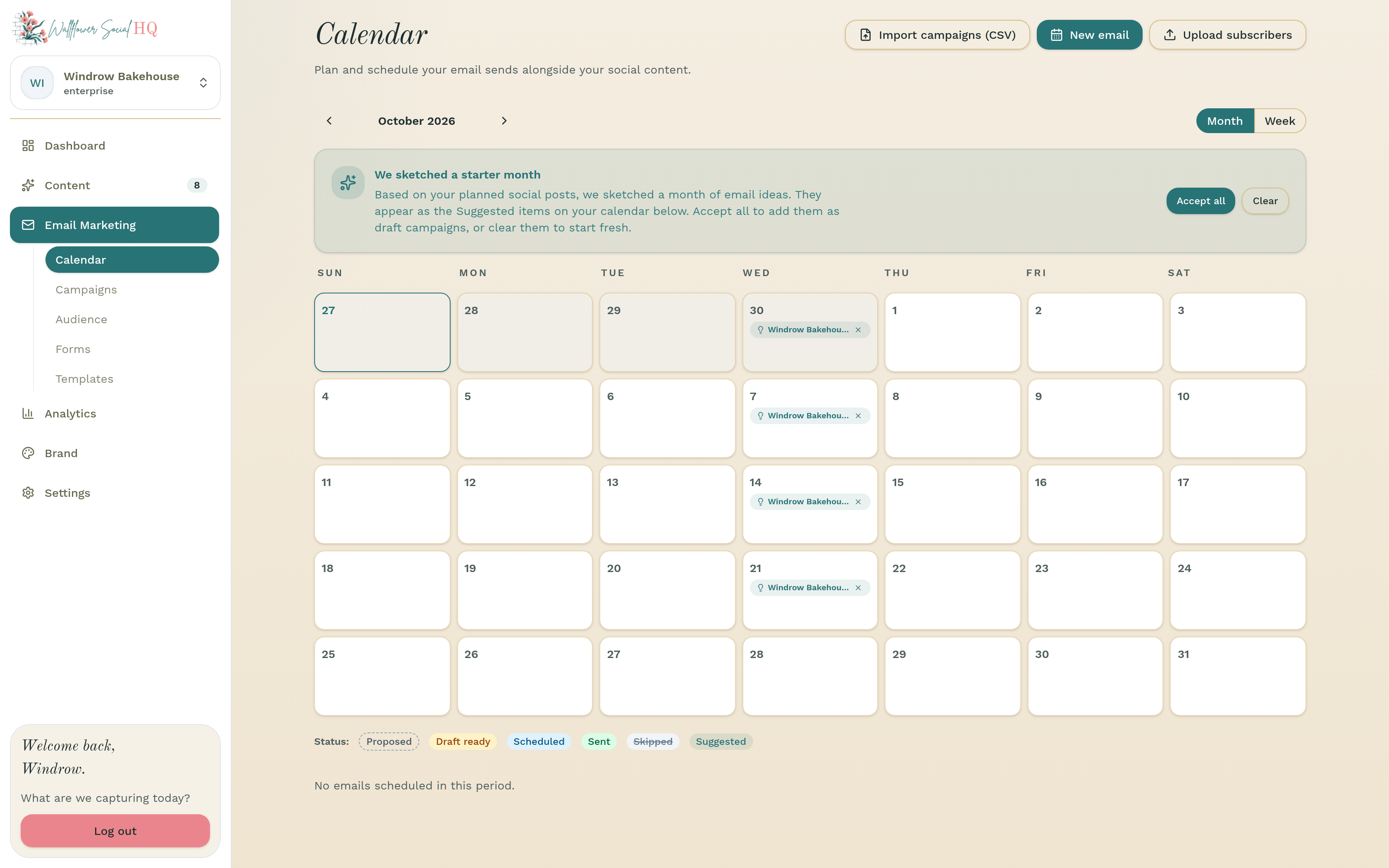
If you have social posts planned, you may see We sketched a starter month. These are email ideas based on your posts. They show on the calendar as Suggested.
- Click Accept all to add them as draft campaigns.
- Click Clear to start fresh.
Read the calendar #
Each email shows its status: Proposed, Draft ready, Scheduled, Sent, Skipped, or Suggested. When drafts are waiting, click Review to go through them.
Start a new email #
Click New email to start one from scratch. You'll pick a layout first. See Use email templates.
TipMoving from another tool? Import campaigns (CSV) brings in your planned emails, and Upload subscribers brings in your list.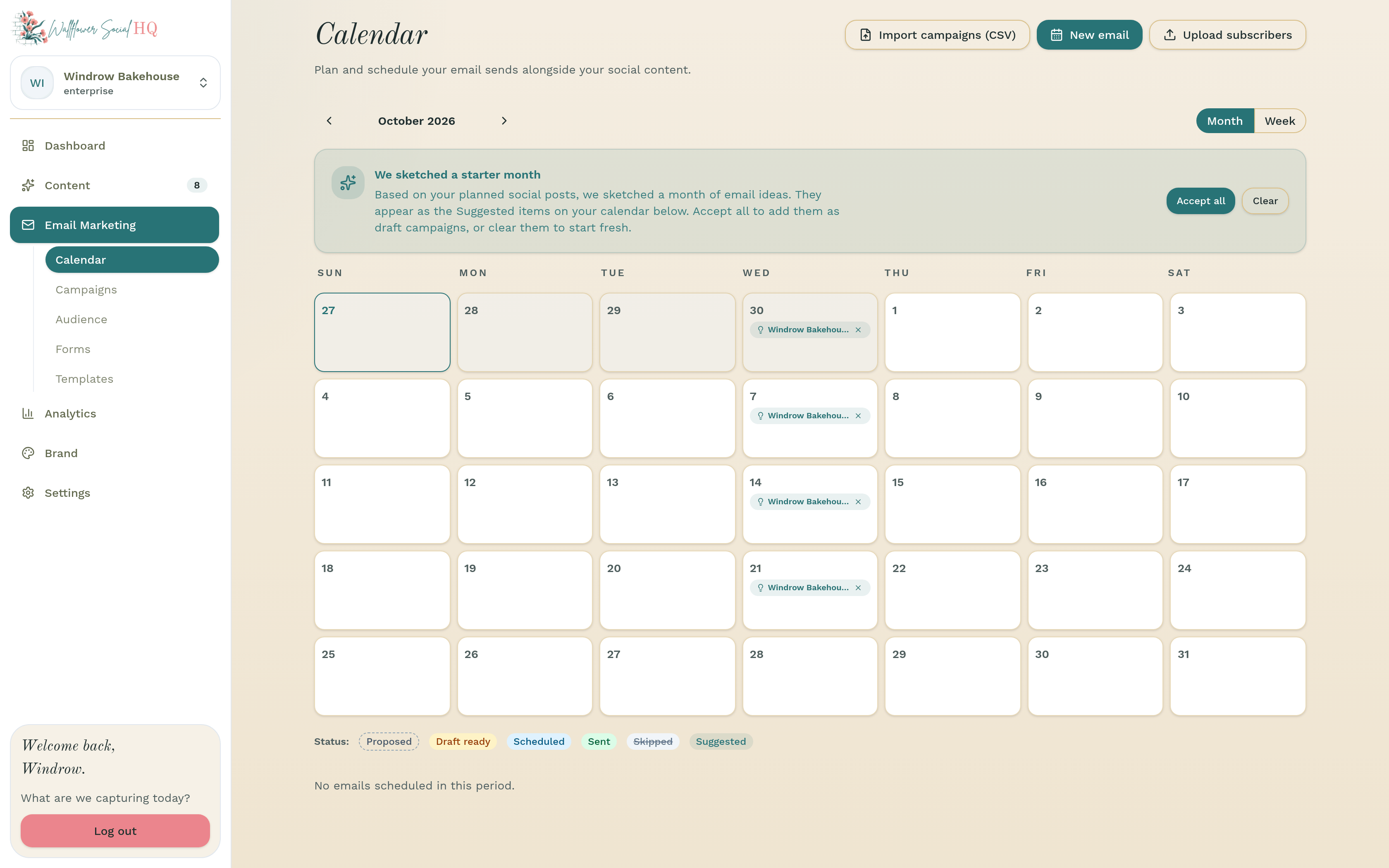
More in Email marketing
Still stuck?
If you need more personalized support, send us an email and we will get back to you soon.