
See what landed (analytics)
Plain-number results, and how much history each plan keeps.
After your posts go out, Analytics shows how many people they reached and how many engaged, in plain numbers.
On this page
Before you start
- At least one social account is connected. Analytics only shows channels with an active connection.
Open Analytics #
Click Analytics in the sidebar. There are two tabs: Social and Email.
Read your social results #
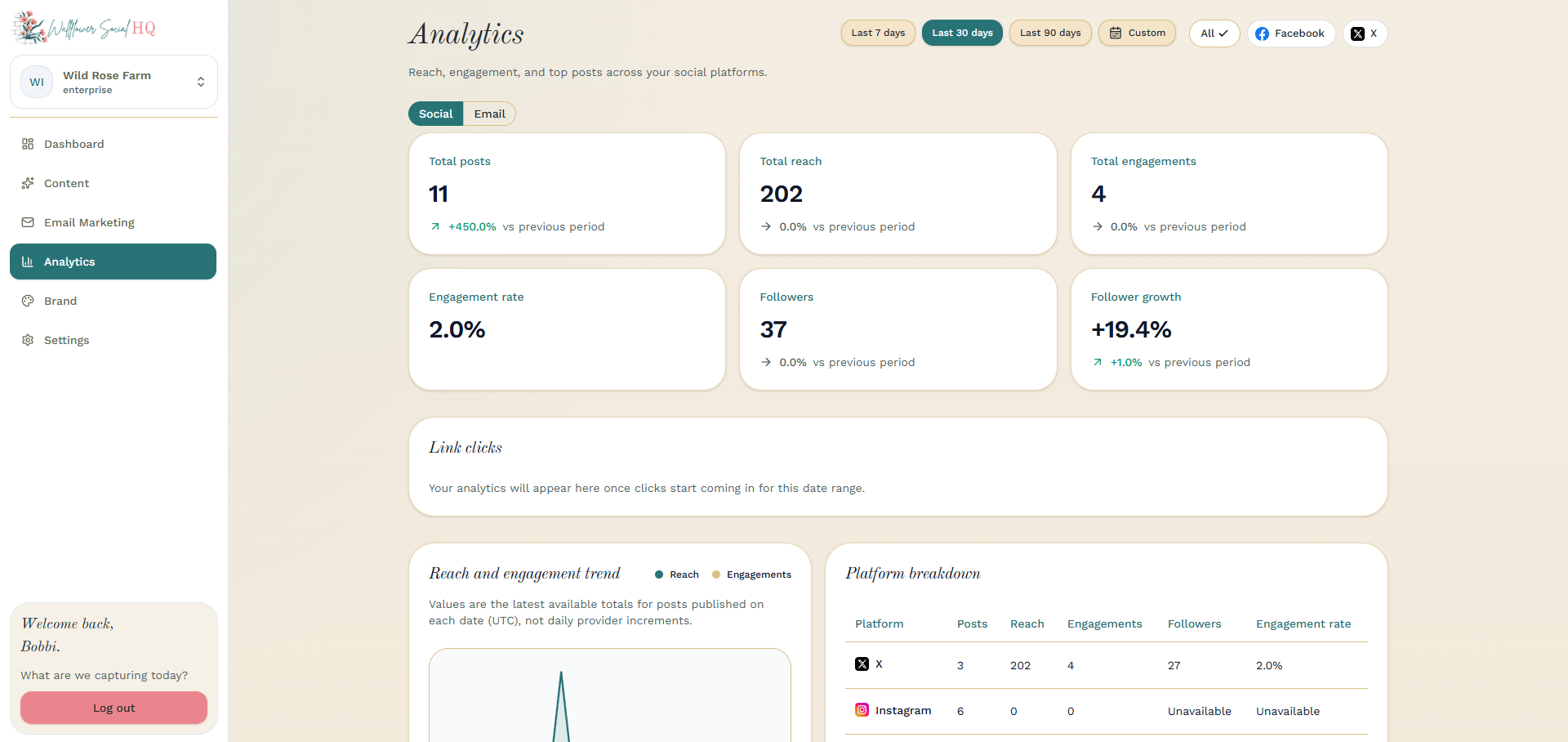
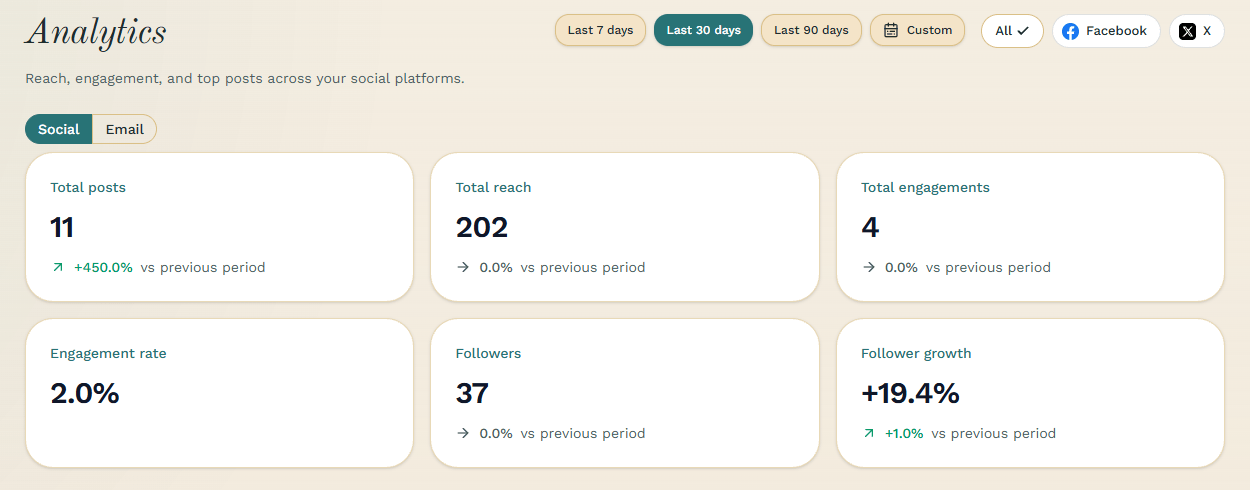
The Social tab shows reach, engagement and your top posts across your platforms. Pick a date range at the top: Last 7 days, Last 30 days, Last 90 days or Custom. To see one platform, pick it in the platform filter, or choose All.
The cards show numbers like Total reach, Total engagements and Engagement rate. Below them are the Reach and engagement trend, the Platform breakdown and your Top-performing posts.
Check your best posts #
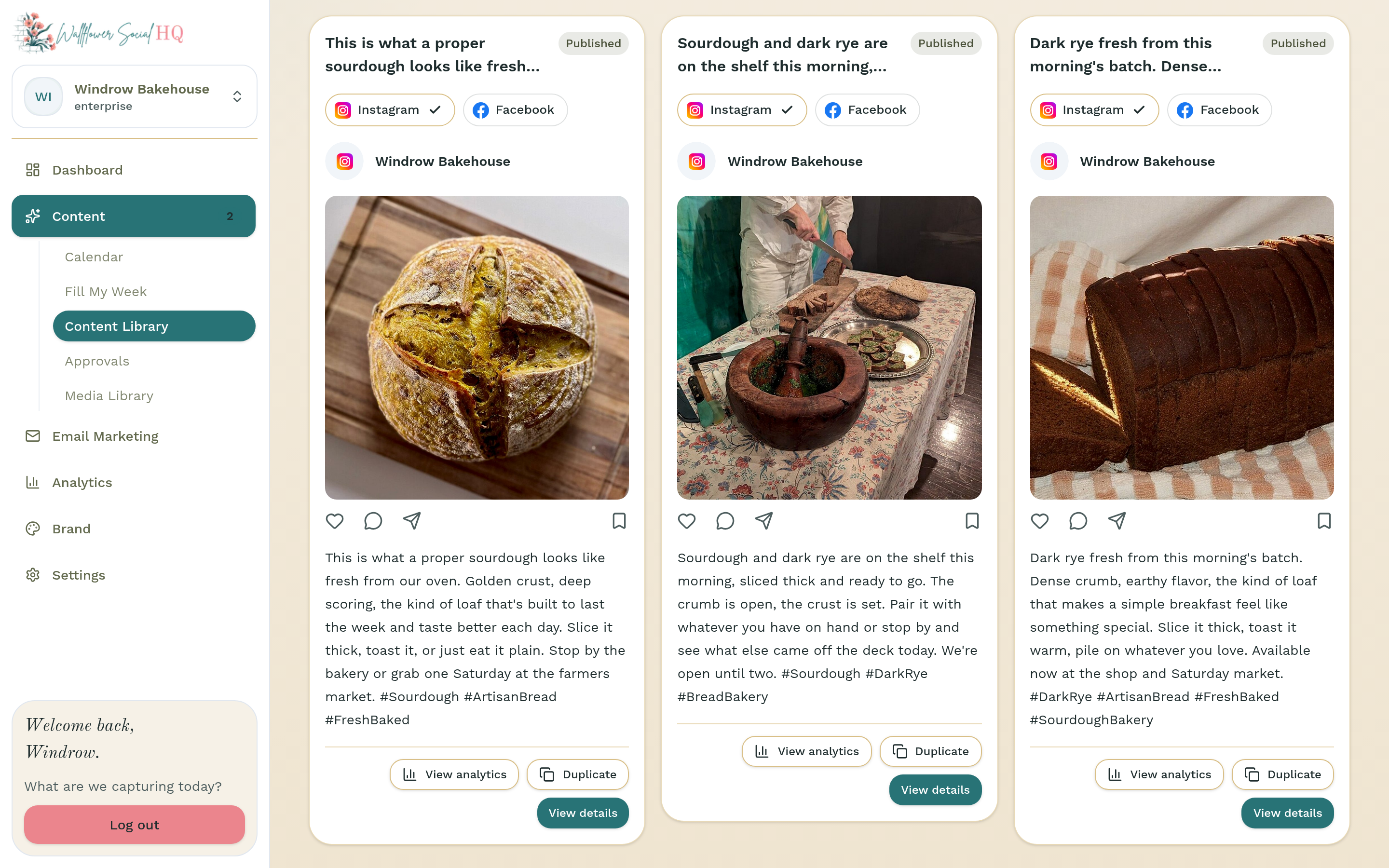
Top-performing posts on the Social tab lists your best posts with their Impressions, Reach and Engagements. You can also get to Analytics from Content Library: click View analytics on a published post's row.
Check your emails #
Click the Email tab to see how your campaigns did. Your sent campaigns are listed with their Recipients and Clicks. Click one to open its full report, with Delivered, Opens, Clicks, Unique clicks, Bounces, Open rate and Click rate.
How much history each plan keeps #
| Plan | Analytics history |
|---|---|
| Solo | 90 days |
| Pro | A full year |
| Enterprise | Unlimited |
More in Calendar, approvals & publishing
- Upload photos to your calendarAdd your own photos to your schedule and let Wallflower draft the posts.
- Import a content calendar (.xlsx or .csv)Upload a filled-in calendar and each row becomes a draft on your calendar.
- Let posts go out on their ownSkip the approval tap when you trust it.
- Reschedule or edit a scheduled postMove a post to a different day or time.
- Approve from your phone (Review tab)Approve waiting posts from the phone app’s Review tab.
Still stuck?
If you need more personalized support, send us an email and we will get back to you soon.