
Your first 7 days: a checklist
Connect, capture, fill your week, approve.
Your free trial lasts 7 days. Here's a simple way to get a real week of posts out in that time, one step a day if you like.
Open your dashboard in Wallflower
On this page
Before you start
- You've started your trial and can sign in at app.wallflower.social.
- You're the Owner or an Admin. Connecting channels, inviting people and approving posts are owner and admin jobs.
Check your brand profile #
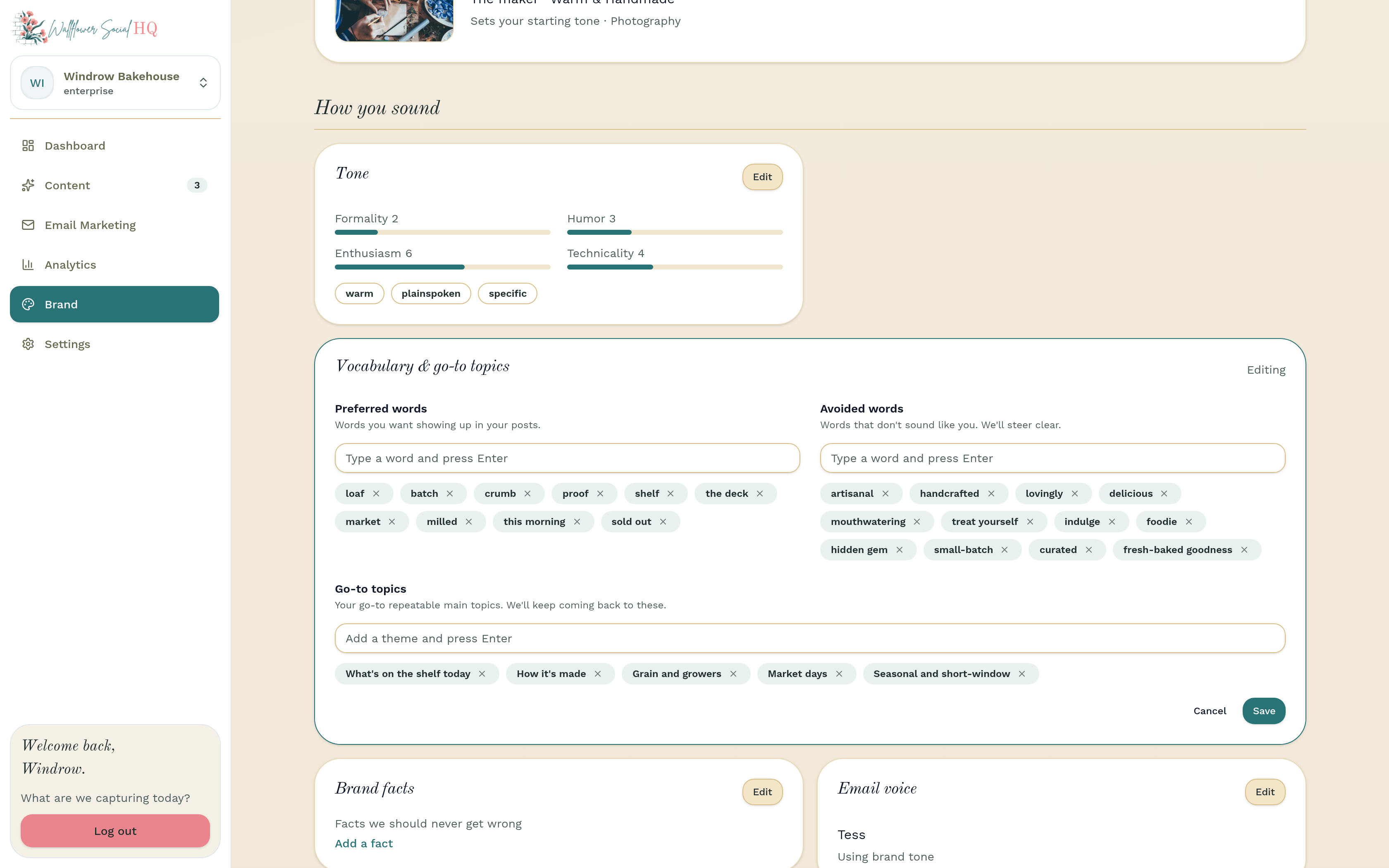
Click Brand in the sidebar and look over what onboarding filled in. Add at least one go-to topic, because Fill My Week needs one. See Set up your brand profile.
Connect your channels #
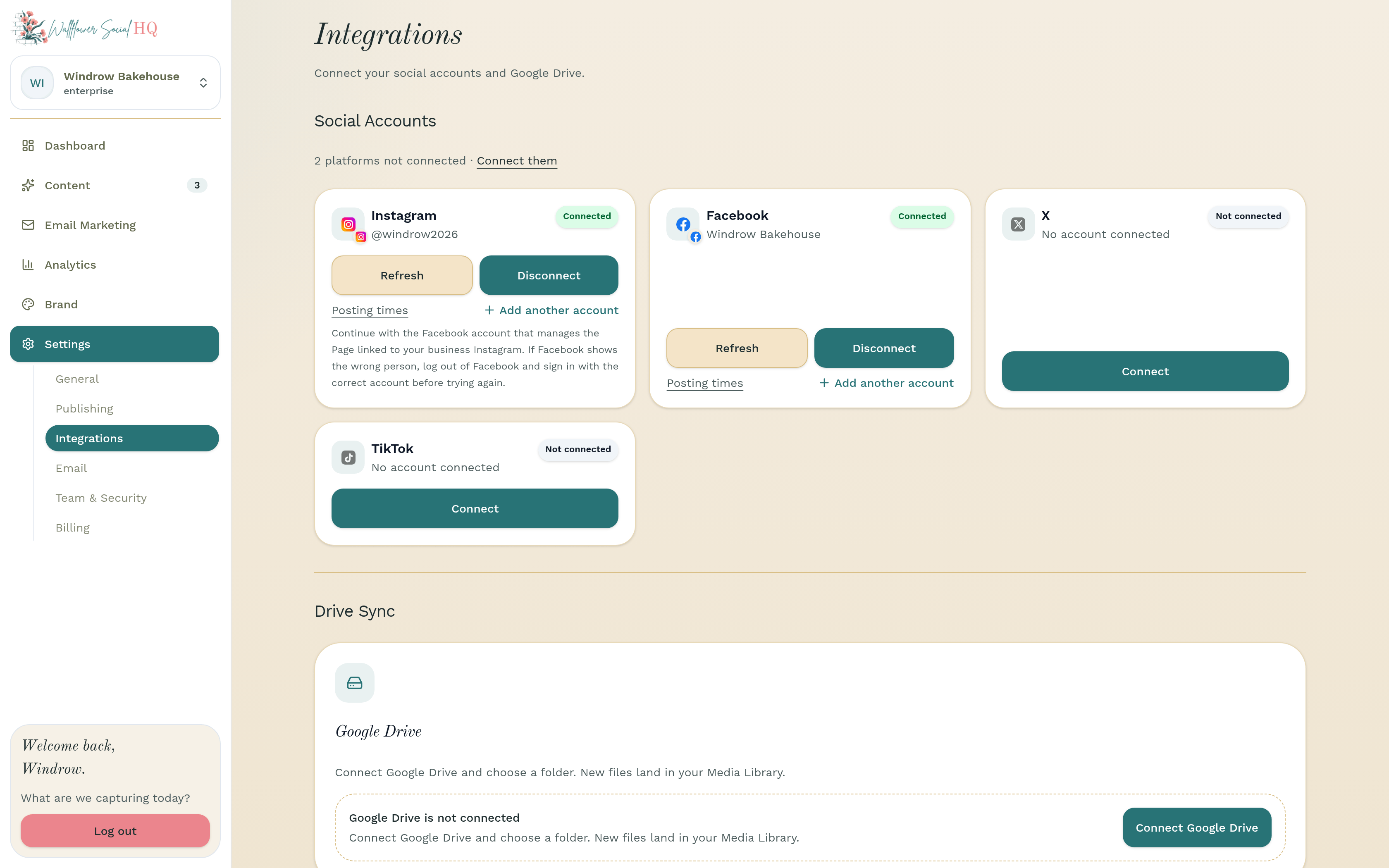
Go to Settings, then Integrations, and connect your accounts under Social Accounts. Solo covers Instagram and Facebook. Pro and Enterprise add TikTok and X. See Connect Instagram and Facebook.
Install the phone app and send in photos #
Get the companion app on your phone, sign in, and send a few photos from the Capture tab. They land in your Media Library. See Install the companion app and Take and send photos.
Invite your team (optional) #
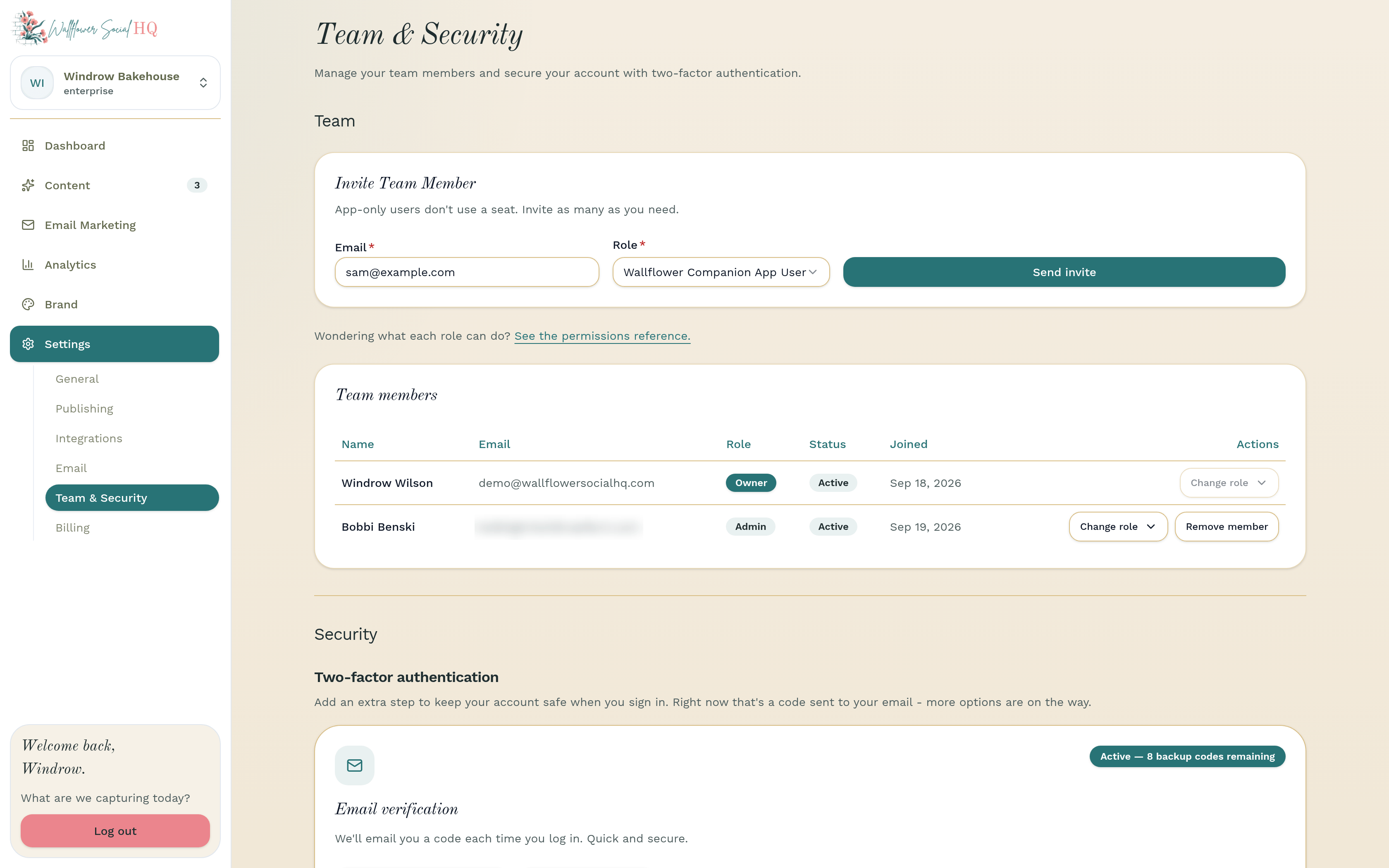
Anyone who takes photos for you can join as a companion user. They're unlimited on every plan and don't take a seat. See Invite someone to capture.
Plan your week #
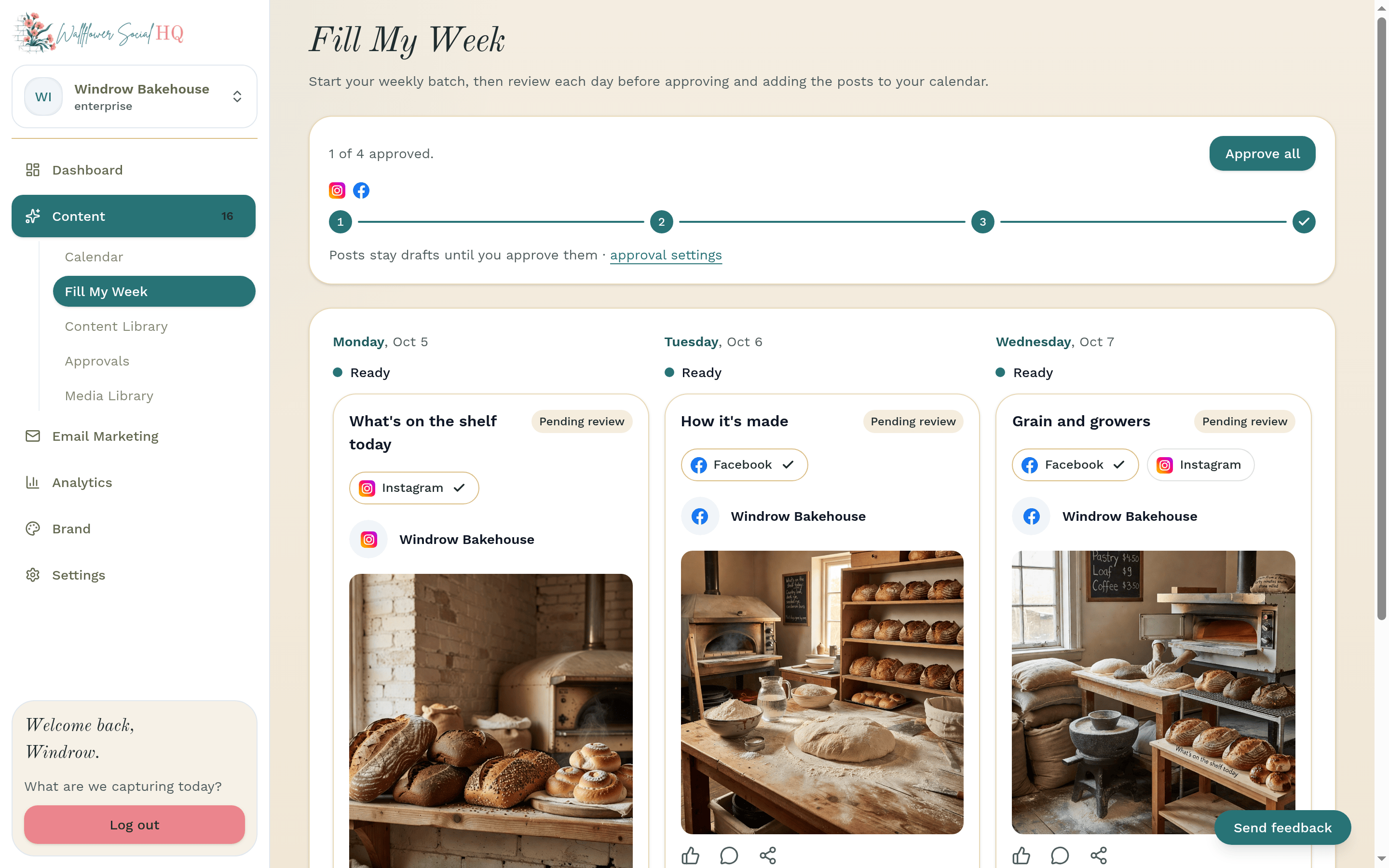
Open Content, then Fill My Week, and click Plan My Week. Wallflower drafts one post a day for seven days. See Plan a week with Fill My Week.
Approve #
Read each draft, change anything you like, and approve. You can do it on the web or from the Review tab in the phone app. See Approve a post and Approve from your phone.
Check before you approveApproved posts go out at their scheduled time. Look over the day, time and channel first.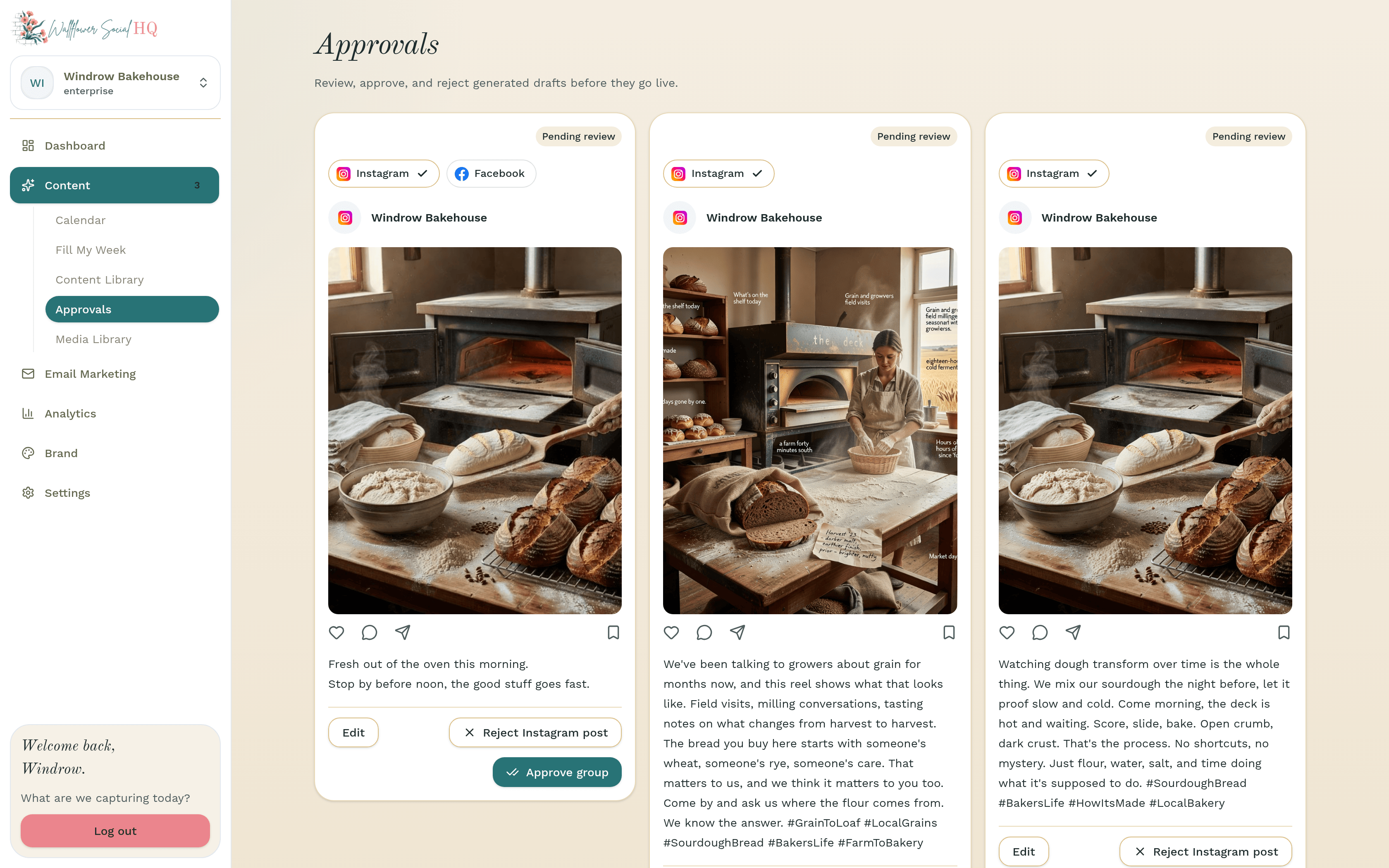
See what landed #
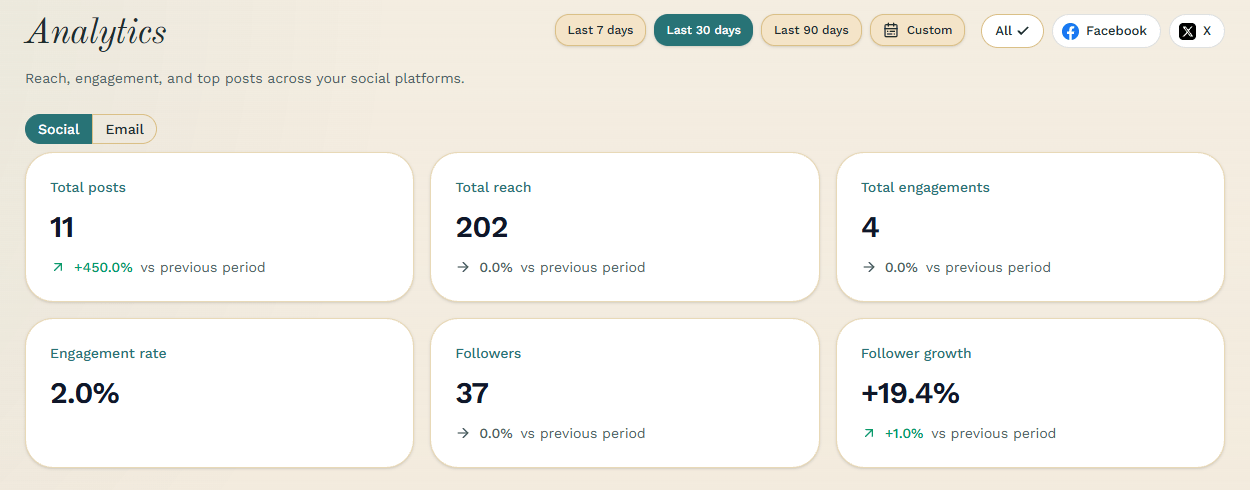
After a few posts go out, open Analytics to see how they did. See See what landed.
About your trial #
The banner at the top of Wallflower shows how many days are left in your free trial. Cancel before your trial ends and you won't be charged. See How the free trial works.
More in Getting started
Still stuck?
If you need more personalized support, send us an email and we will get back to you soon.